I Replaced My Motif XF With a MODX M7... Here's What Happened
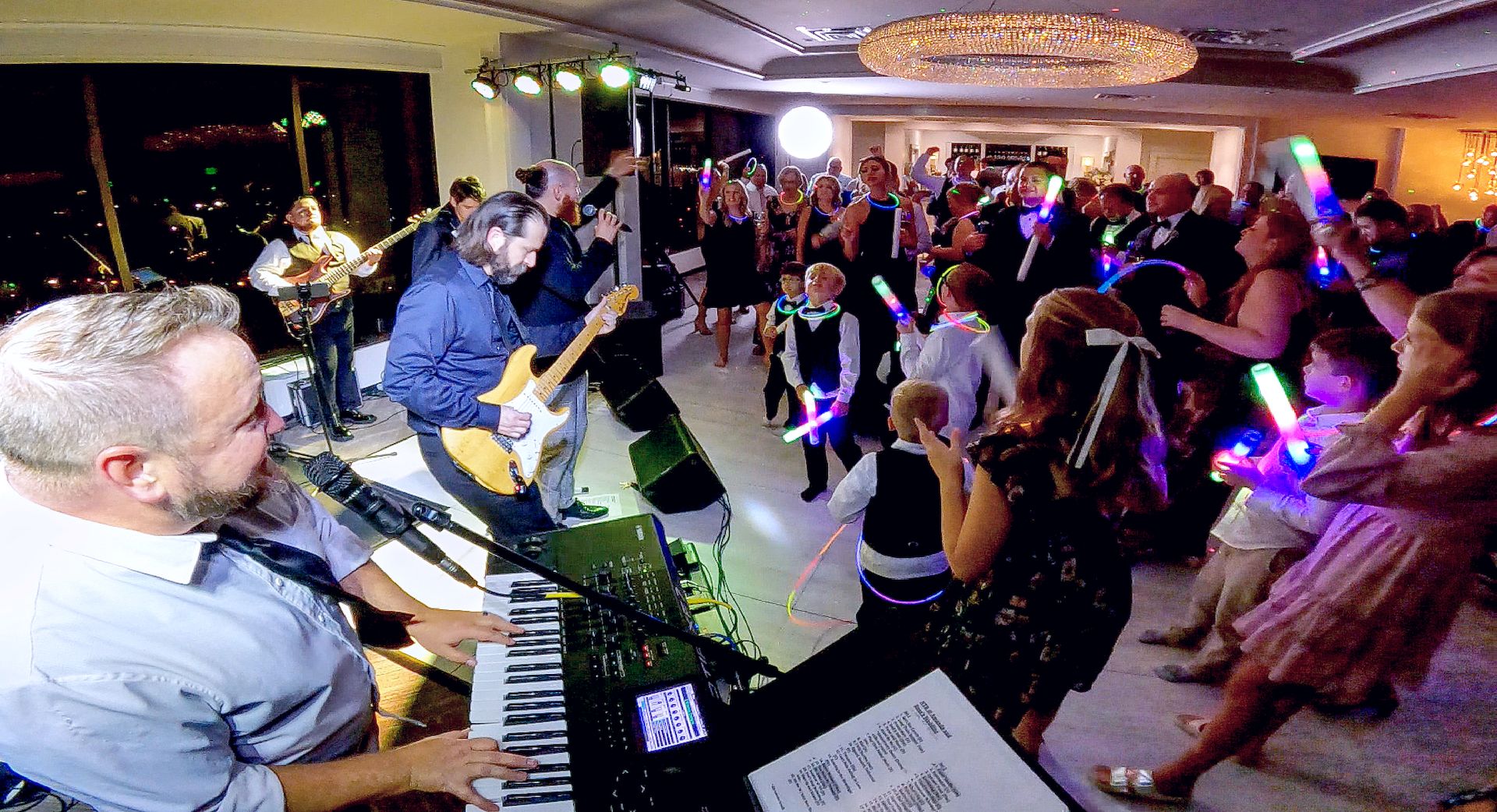
For years, the Yamaha Motif XF7 was the centerpiece of my live keyboard rig.
It traveled to weddings, corporate events, festivals, bars, and private parties. It became such a reliable part of my setup that replacing it wasn't a decision I took lightly.
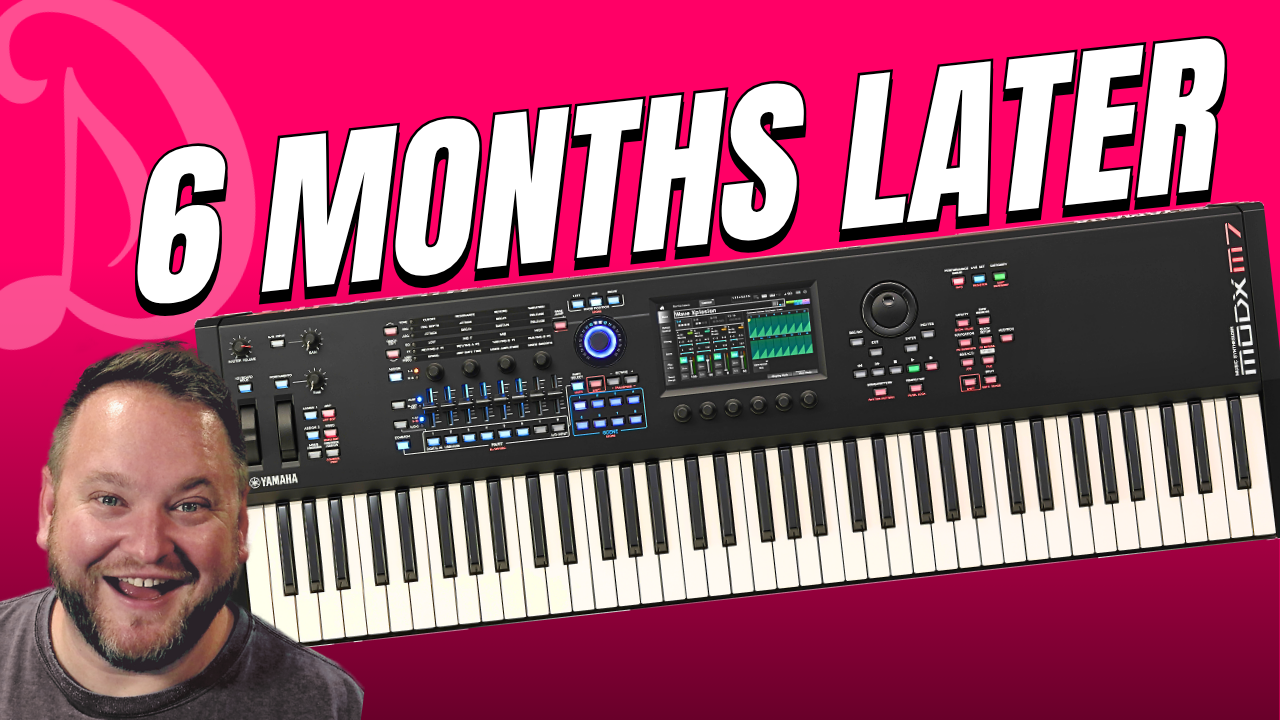
But about six months ago, I made the jump to the Yamaha MODX M7.
Now that I've had time to put it through real-world performances, rehearsals, and some load-ins and load-outs, I wanted to share what I've learned.
This isn't a technical deep dive.
Instead, this is a perspective from a working musician who uses this keyboard routinely on stage.
The Learning Curve Was Easier Than Expected
One of the first things I appreciated was Yamaha's overall workflow.
The MODX M centers around three key areas:
- Performance Mode
- Live Set Mode
- Category Search
Once you understand those three sections, navigating the instrument becomes pretty intuitive.
Performance Mode serves as the home base where multiple sounds can be layered, split, and customized.
Live Set Mode allows quick access to performances during a show.
Category Search makes it easy to find sounds, search by synthesis type, or even locate specific patches by name.
As a live performer, this structure makes a lot of sense. It gives you a lot of different options to find, connect, and use the tools you have available to you.
Live Set Mode Became My New Best Friend
If there's one feature I find myself using constantly, it's Live Set Mode.
You can use it as a visual way to organize the songs you play in your show, however you choose.
Many would organize this section to match each set of music you play in a given show (i.e. LIVE SET 1 = 1st set songs with these patches/performances, LIVE SET 2 - 2nd set songs with those patches/performances, etc.).
I personally prefer to use these live sets as the performances I use with a particular band (I work with several who all have specifc sounds needed, so instead it looks more like
LIVE SET 1 - This band, LIVE SET 2 - That band, etc.)
Instead of jumping around through menus while play, I can organize the sounds exactly how I need them for each part of my show.
Sometimes, I choose to build a performance into my Live Set around an individual song.
Other times, I can create flexible performances that can handle multiple sounds that I use for several songs throughout an entire set.
The ability to quickly move between sounds without interrupting the flow of a performance has been incredibly useful.
Navigation Puts Everything At Your Fingertips
There are some great single buttons on the MODX M that give you access to a ton of the features and editing tools within the keyboard.
One such is example is the Navigation button.
Let's say that you find a patch that you really like, but you'd like to give it more volume, edit the EQ, add some reverb, and make it run through a filter that gives it a phasing sound.
All of that can be access by pressing the Navigation button. Every section you need to adjust on that patch with be available on the screen.
It's super cool and super handy.
Scenes Are An Extremely Powerful Tool
The Scene buttons quickly became one of my favorite features.
There are two ways I use them regularly:
Method 1: Different Sounds for Different Songs
I can store multiple sound combinations inside a single performance and instantly switch between them.
For example:
- Piano
- Electric Piano
- Brass
- Clavinet
- Synth Leads
- Strings
- Poly Synths
- 80's Layered Piano
Everything is available with a single button press.
If I want to use more than one sound at the same time, I can mute and unmute these as needed.
It's kind of like have a list of my favorite single sounds all in one patch/performance.
Method 2: Multiple Sections for a Single Song
Scenes can also move through different parts of a song.
A verse sound can become a chorus sound.
A simple patch can gradually evolve into something much larger.
This flexibility allows performers to create dynamic arrangements without constantly changing performances.
The Super Knob Is Finally Starting to Click
I admit it.
When I first bought the MODX M, I didn't fully understand the allure of the Super Knob.
Six months later, I understand why appreciate it so much.
The ability to morph between sounds, blend layers, adjust effects, and create dramatic tonal changes from a single control opens up a lot of creative possibilities.
I still feel like I've only scratched the surface here.
But it's becoming a feature I find myslef using more often.
The Transpose Button Saves Me Time
This might sound simple, but I absolutely love the dedicated transpose function.
I had something like this 25 years ago on an Alesis QS8.1 and loved it, but my Motif XF did not have that functionality without menu diving (that I am aware of), so it was a huge win to find it again on the MODX M7.
Many of us perform with different singers or even different bands.
They don't always perform every song in the same key.
Rather than relearning parts in multiple keys, I can quickly transpose if necessary.
The only catch?
Remember to transpose back before the next song.
Ask me how I know. 🤪
The Keyboard Hold Feature Is Surprisingly Useful
One of my favorite hidden gems is Keyboard Hold.
Certain songs require sustained synth note of long-held chord.
Instead of pressing a sustain pedal, I can press Keyboard Hold and let the keyboard maintain the note for me.
Combined with features like Portamento, it creates some really interesting effects and frees me up to focus on other parts of the performance.
The Expanded SoftSynth Plugin Was a Game Changer
This may be the biggest surprise of all.
The Expanded SoftSynth Plugin for the MODX M effectively puts the keyboard inside your computer.
- Every sound.
- Every performance.
- Every scene.
- Every adjustment.
It's all available within your DAW.
For me, this solved a practical problem.
During busy seasons, my keyboard spends a lot of time packed up and ready for gigs.
Previously, practicing with my exact stage sounds meant unpacking the keyboard.
Now I can use a MIDI controller and access the same sounds directly through the plugin on my computer.
Even better, I can build performances and patches on the computer and transfer them to the keyboard.
That workflow has been incredibly convenient.
A Feature Nobody Talks About
The MODX M can communicate with another keyboard through USB and MIDI routing.
This allows you to use a second keyboard controller while still accessing sounds from the MODX M.
You can then split your sounds from your MODX M.
Your secondary keyboard can play something completely different than what you are playing on your MODX (like one has piano and the other has horns).
Effectively, it creates a much larger setup without requiring a second synthesizer.
For performers who already own an older keyboard or MIDI controller, this can be an incredibly powerful option.
My Biggest Concern Turned Into One of My Favorite Features
When I first unboxed the MODX M, I was worried about the lightweight construction.
Coming from a Motif XF, the MODX M initially felt lighter and less substantial. Almost cheap.
I wasn't sure I was going to like it long term.
But, after about a month of performing with it, I noticed my playing felt ... faster.
My fingers seemed to move more freely.
The lighter action started working in my favor.
Combined with the dramatically reduced weight during load-in and load-out, my concerns largely disappeared.
Will every pianist love it?
Probably not.
Players who prefer heavily weighted action on their keys may want something different.
But for a gigging keyboardist who needs versatility and portability, I've become a much bigger fan than I expected.
Final Thoughts
Six months later, I'm genuinely impressed with what Yamaha has accomplished with the MODX M series.
The keyboard can be as simple or as deep as you want it to be.
You can build a great live setup quickly and start performing immediately.
Or you can dive deep into sound design, routing, synthesis, and customization.
That's what makes it so powerful.
Whether you're upgrading from an older Yamaha workstation or considering your first serious performance keyboard, the MODX M is worth spending time with.
I'm still discovering new things every week.
It is a ton of fun.
Be the Performer You Are Meant to Be!
Join us to start performing with confidence, purpose, and fun... one email at a time.
When you signup, you will get regular email updates with free content and product offers.